2011 in photos

Here we go again. With nothing more substantial to blog, I’ll just give you the quick rundown of some of my favorite shots of 2011, at least in terms of photographic technique. Needless to say, only a fraction of my photos make it to flickr each year. I’ll try to sort the shots by theme this time ;) Everything I posted on flickr this can be found here: http://www.flickr.com/photos/heipei/archives/date-taken/2011/detail/

People

Actually, most of the shots are of Katrin since she has the patience for me to try all kinds of silly new techniques ;). I’m not the best photographer for people, but I hope to improve with the fast ISO of my new EOS 60D.

Under my umbrellaUnder my umbrellaUnder my umbrellaUnder my umbrella
105. WinterfestRecent Parties
rwthCTF 2011Indoor - Outdoor PortraitFuerteventura 2011rwthCTF 2011
rwthCTF 2011Fuerteventura 2011

Landscapes

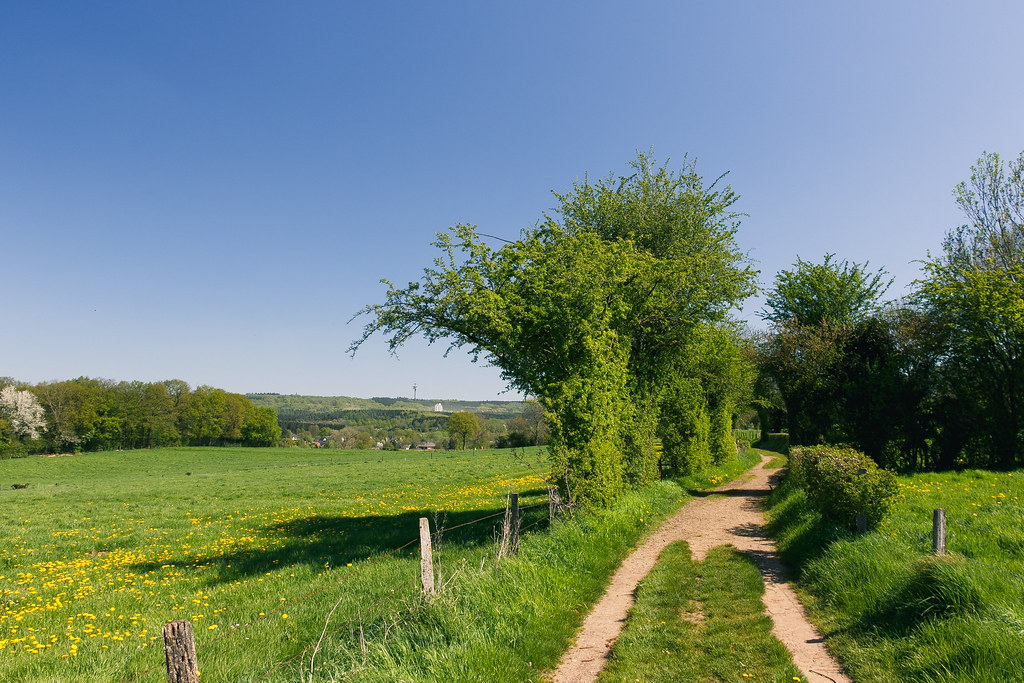
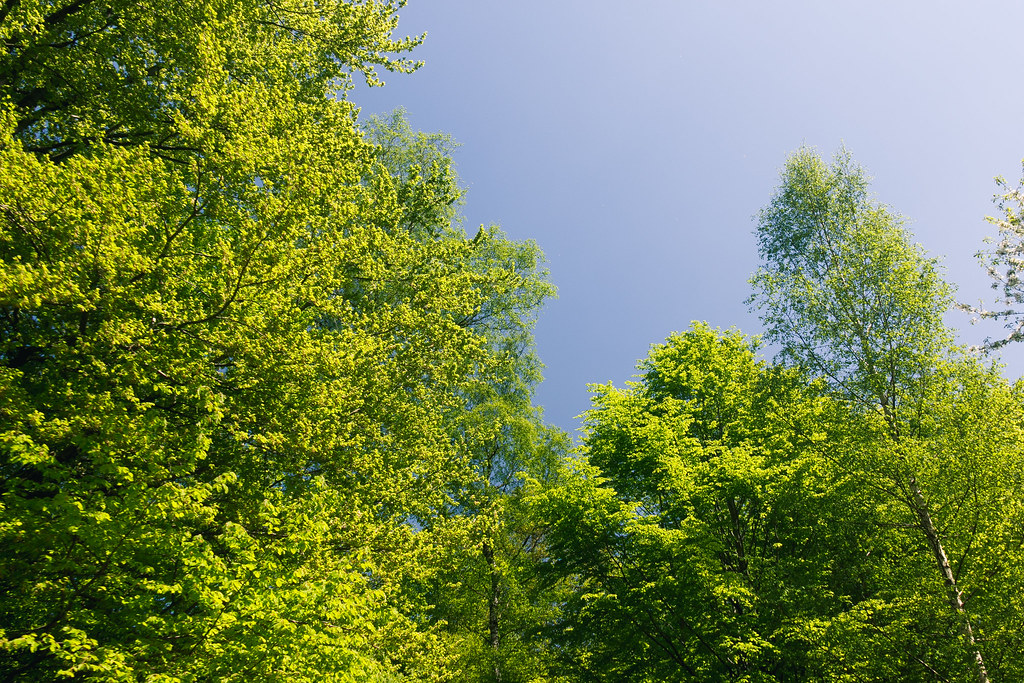
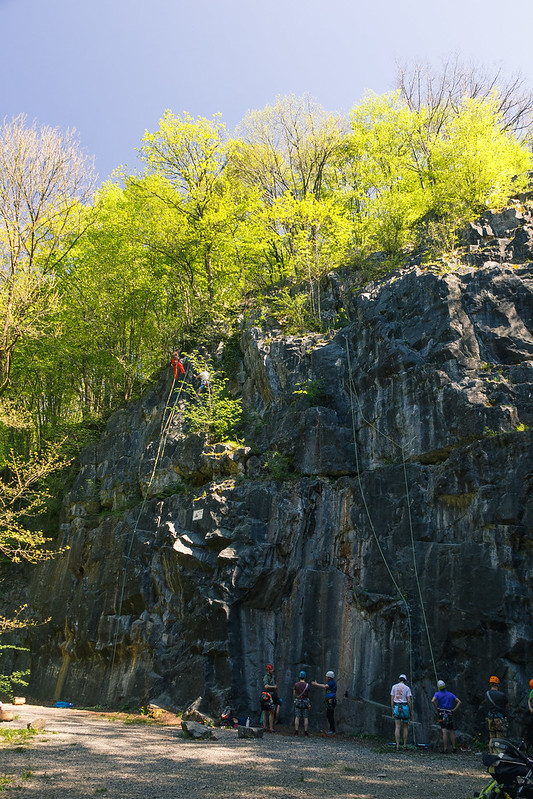
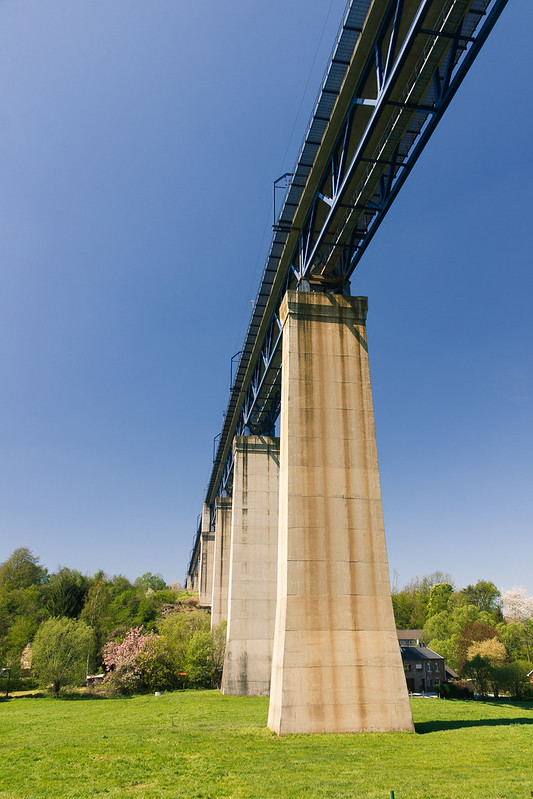
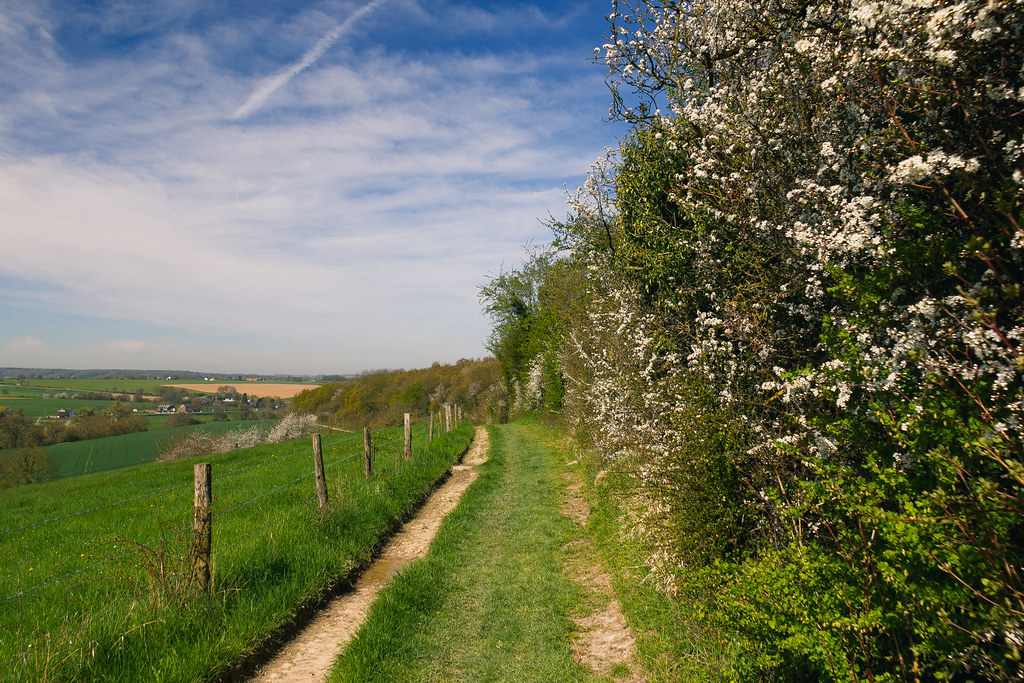
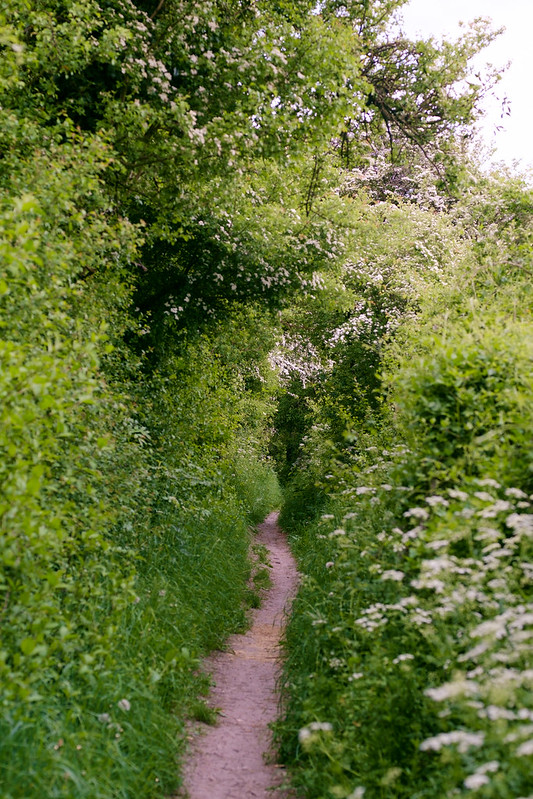
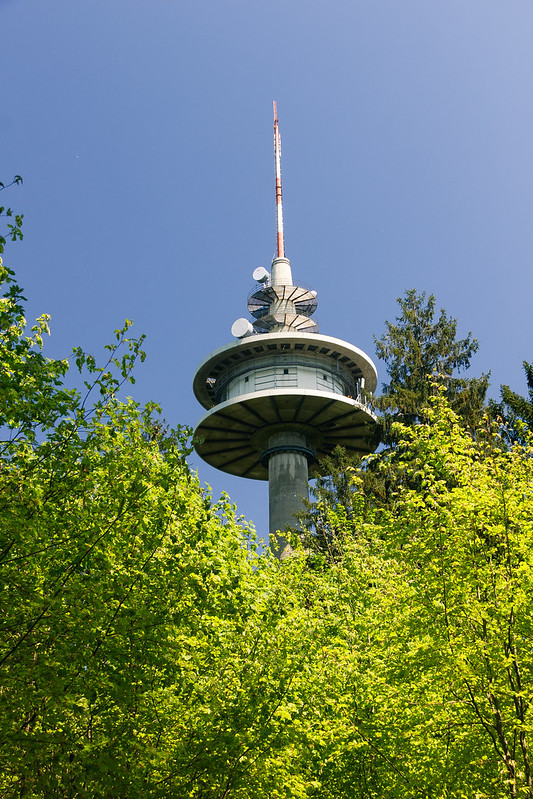
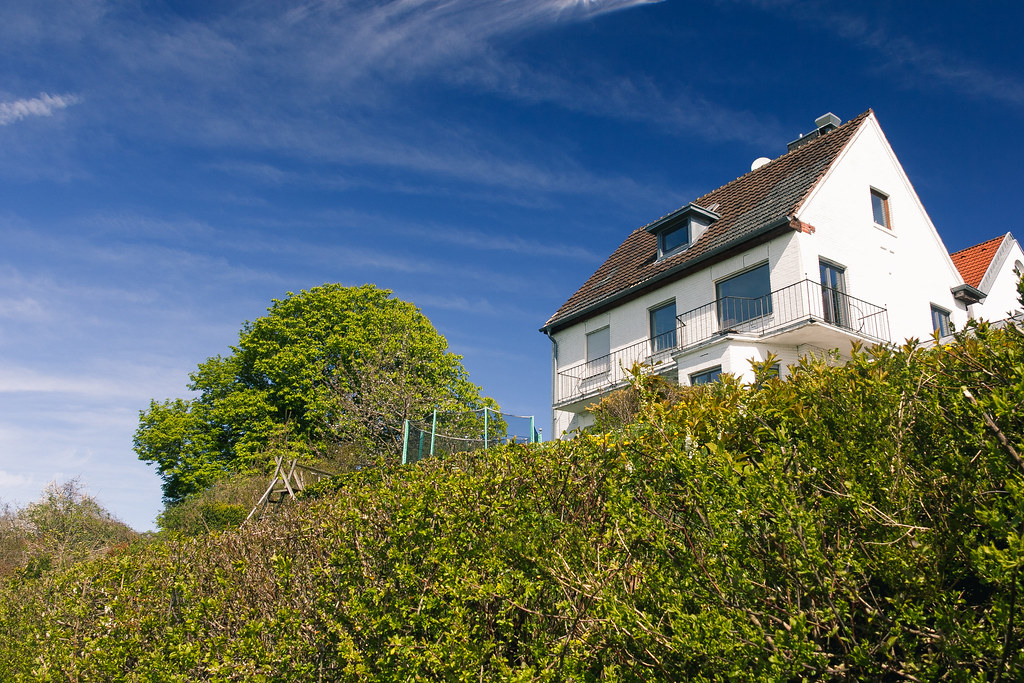
Now, landscapes is what I really like to photograph. Not because it’s easier than people which move around, but because capturing the impression of a clear blue sky above miles of open view is quite a challenge. Looking back at my photos of this year, I like the obvious progression of the seasons.

Wanderung Grenzrouten (Preuswald)
Wanderung Grenzrouten (Preuswald)Wanderung Grenzrouten (Preuswald)Wanderung Grenzrouten (Preuswald)Wanderung Lemiers, Dreiländereck, Vaals
Panorama Herzogsweg
Wanderung Lemiers, Dreiländereck, VaalsEifelsteig, erste Etappe: Kornelimünster - RoetgenMaiwanderung 2011Eifelsteig, erste Etappe: Kornelimünster - Roetgen
Wanderung OrsbachWanderung Orsbach
Fuerteventura 2011Fuerteventura 2011Fuerteventura 2011Fuerteventura 2011

Cities

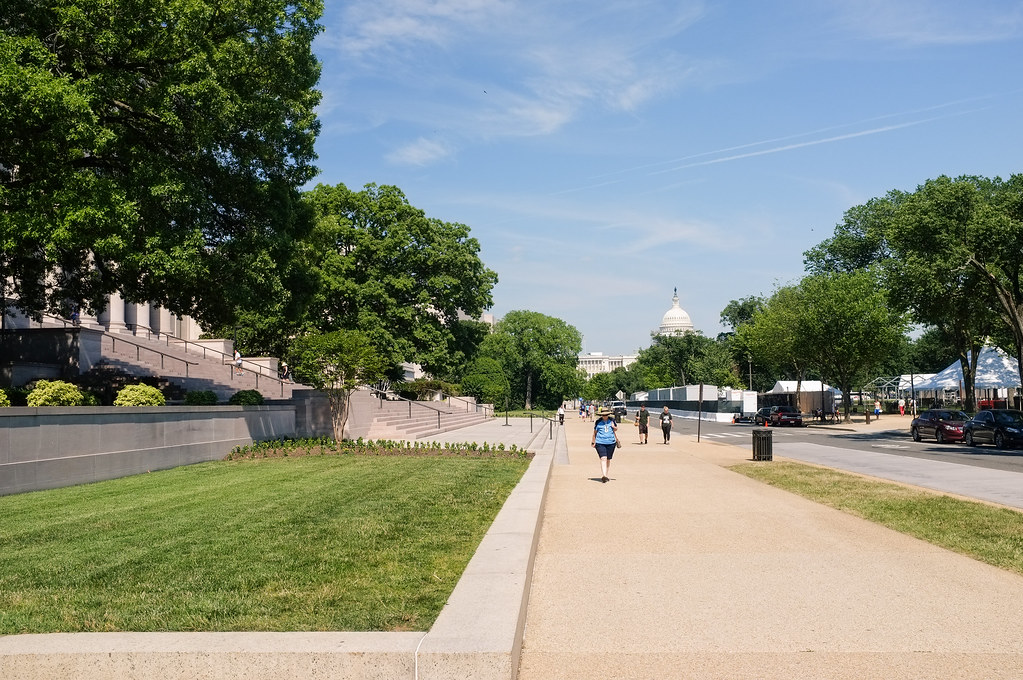
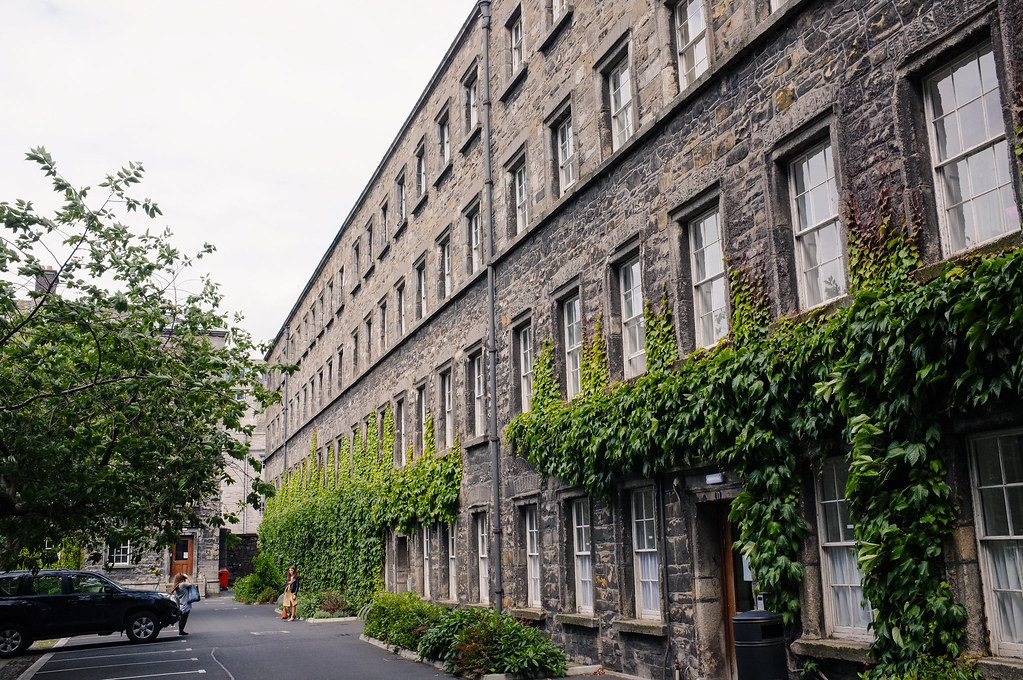
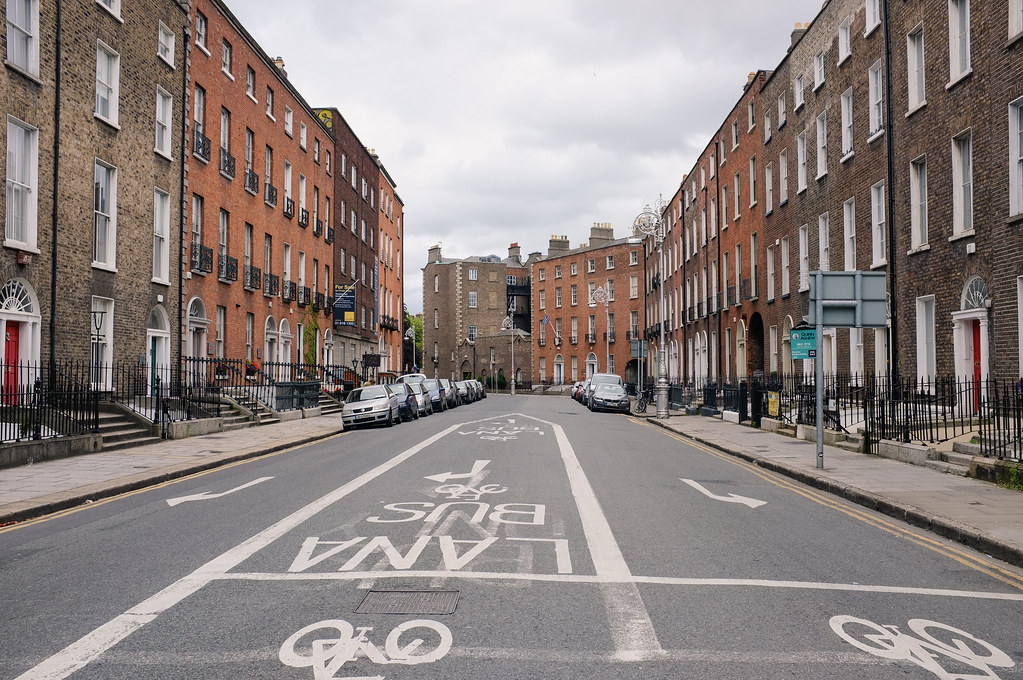
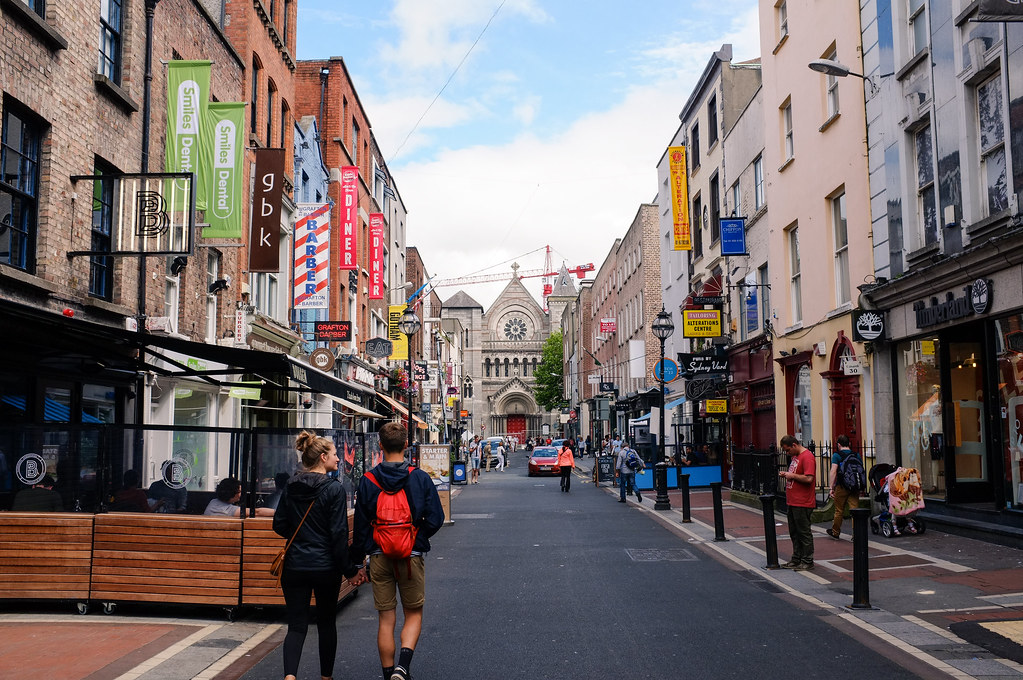
Similar to landscapes, but more variety on a small room. In cities I often feel like getting an imperfect shot because of wires running through the image, but that’s just me, and in the end some of my best shots of 2011 were from Berlin and Potsdam. Not surprisingly, I used my Polfilter on my 18-200 mm EF-S all the time, with varying but mostly great results.

Recent PartiesWanderung Grenzrouten (Preuswald)
Sonntag in LüttichSonntag in LüttichSonntag in LüttichSonntag in Lüttich
Sonntag in LüttichSonntag in Lüttich
Berlin-AusflugBerlin-AusflugBerlin-AusflugBerlin-Ausflug
Berlin-AusflugBerlin-Ausflug

Stock / Studio / Miscellaneous

I don’t “do” stock photography, but some of my images can be (and have been) used that way. Food could be a whole category by itself, but I’ll just group it here as well. Everything food-related can of course be found on Katrins Blog.

Räuchermännchen
EOS 400D - My workhorse for almost 4 yearsShots of the Xperia Active
Nudeln mit Rucola und TomatenLinguine mit Kirschtomaten
Feigenrisotto mit GorgonzolaBirnentarte mit Ziegenkäse und Senfdressing
Gefüllte TomatenTagliatelle mit Hähnchen und Aprikosen
PizzaKürbisrisotto mit karamellisierten Walnüssen

Review: Sony Ericsson Xperia Active

Shots of the Xperia ActiveDas Xperia Active ist mein erstes Android Handy. Davor hatte ich zwei relativ ähnliche Sony Ericsson (K750i und C510) die beide leicht, klein und ziemlich robust waren. Für mich ist ein Handy ein Gebrauchsgegenstand der nur eine begrenzte Zeit halten muss und um den ich mir keine Sorgen machen will wenn es regnet oder ich das Handy in die Tasche/Rucksack werfe.

Mit dem Xperia Active habe ich jetzt ein Smartphone welches diese Anforderungen erfüllt. Ich kann das Handy bei Schnee und Regen am Rucksack aussen befestigt lassen, GPS bei Wanderungen und Radtouren mitloggen lassen und selbst mit nassen Fingern im Regen Schnappschüsse machen die ich, da es ein Smartphone ist, direkt auf den Internetdienst meiner Wahl übertragen kann. Falls ich mich tatsächlich verlaufe ist auch das Xperia Active nicht zu klein oder zu langsam und kann mit Google Maps und dem Kompass aushelfen. Die sehr sehr praktische Öse kann ich benutzen um das Handy garantiert bombenfest am Rucksack baumelnd zu befestigen, ein sehr wichtiges Feature. Die helle LED hilft Nachts. Beim Radfahren kann ich das mitgelieferte Sportarmband benutzen, falls ich sonst keine Taschen am Rad/Körper hab. Soweit zu meinem Nutzen für ein so ein rugged Smartphone.

Shots of the Xperia ActiveWährend der Arbeit liegt das Handy nur rum, und im Standby mit GPRS aktiviert (und GPS/WLAN deaktiviert) und Sync an (Google+, Twitter, GMail) hält es locker 48h, wenn nicht sogar länger. Gespräche kommen sauber und zuverlässig rüber, Bedienung ist wie bei Android gewohnt, die Kamera absolut OK. Als jemand der viel mit einer DSLR fotografiert weiss ich es zu schätzen dass man Weissabgleich, Metering Mode und Fokus unabhänging voneinander in mehreren Programmen einstellen kann. Besonders der feste unendlich-Fokus bedeutet dass ich in 90% aller Situationen perfekt fokussierte Fotos mit null Verzögerung machen kann. Das Rauschverhalten bei ISO 1600 ist natürlich nicht mehr schön, dafür geht das Xperia bei gutem Wetter gern auf ISO 64 und Verschlusszeiten von bis zu 1/1250s runter. Brennweite ist fest bei 3.5mm und Blende bei f2.6.

Negativpunkte
Eigentlich kann ich nur die Software von SE etwas kritisieren. Ein praktisches Migrations-App wie bei HTC fehlt leider, Kontakte muss man also per Bluetooth syncen und die alten SMS hab ich letzendlich gelöscht. Auch die HTC Sense UI gefällt mir etwas besser. Falls bei eurem Xperia Active die Handgelenksschlaufe fehlt ruft einfach beim SE-Support an, ist wohl bei ein paar wenigen der ersten Handies ausversehen vergessen worden. Ansonsten sollte man noch eine Rutsche Micro-USB Kabel mitbestellen, ich hatte ausser dem mitgelieferten keins, eine etwas größere Speicherkarte kann auch nicht schaden.

Sample Photos

Xperia ActiveXperia Active in Vaals
Xperia Active in VaalsXperia Active in VaalsXperia Active in Vaals

Sony Ericsson Xperia Active Flickr Group here.

(Sorry, German review this time, use Chrome translate ;)

Canon EOS 400D: New tricks

Canon EOS 400DYou can’t teach an old dog new tricks. This wisdom is only partially true for most modern devices, thanks to firmware updates. I’ve briefly mentioned having used a “hacked” firmware for the past few months. This weekend, contemplating whether and when to buy a new camera body, I decided to see if there have been new features added to alternative firmwares for my Canon EOS 400D. Boy, was I in for a surprise!

400plus – Firmware Hack for the Canon EOS 400D
The 400plus project is currently implementing a lot of additional features for the EOS 400D and distributing builds of hacked firmware which can be applied to the camera through a file which is loaded during camera startup, meaning they are easily reversible by simply deleting the firmware from the CF card. Recently, some really killer features where implemented, which even make some hardware additions redundant. This is an incomplete list, representing the most important features for me:

  • Intervalometer: The 400D can be used to shoot at regular intervals by itself, without any additional controlling hardware. This is perhaps the coolest feature, and I’ve yet to put it to good use by creating a time-lapse movie.
  • Intermediate ISO / Auto-ISO: Found in newer cameras, the 400D now supports intermediate ISO steps (seamlessly between ISO 100 and ISO 3200) as well as providing a basic Auto-ISO function with upper and lower limit. The ISO can also be adjusted while looking through the viewfinder.
  • Handwave support: This is a mode where the camera takes a shot each time the proximity sensor above the display is triggered. Useful for macro shots where you don’t want to rock the camera rig.
  • Timer: The camera simply fires after a certain amount of seconds has elapsed. It can also start the interval program instead.
  • Manual Kelvin: Useful if you don’t want to shoot RAW to get spot-on white balance.
  • Spot Metering: Metering light at a very small spot in the center.
  • AF patterns: Found in more recent camera, AF patterns are a cool addition. External flash AF assist doesn’t work with it though.

For me, the Intervalometer/Timer/Handwave functions replace using an IR remote for self-portraits or macro shots. The Intervalometer replaces rather expensive external hardware triggers. The current version of the 400plus firmware seems very polished, providing simple menus and settings for its features, without any adverse side-effects. I expect more cool features to follow in the near future.

Tethered shooting using the command line
gphoto2There are a number of solutions for tethered shooting with Canon DSLRs. Some of them even work on Linux. I wanted something simple to take and download shots from my 400D, so I used gphoto2. gphoto2 provides a lot of other features which I won’t cover here, and supports remote control for a wealth of cameras, so go check the compatibility of your own camera.

I wanted to use my EOS 400D as some sort of webcam, taking shots at intervals and directly transfering those shots to my PC. This is easy enough with gphoto:
gphoto2 --port=usb:005,048 --capture-image-and-download -I 30 --force-overwrite --filename=webcam.jpg --capture-previewThis takes a photo every 30 seconds and writes it to webcam.jpg. The port can be inferred by hooking up your camera and having a look at the output of lsusb. One small problem I encountered with my 2.6.39 kernel: The 400D did not work with ehci_hcd, so I had to disable it. If its modular, you can simply do modprobe -r ehci_hcd, but if, like me, its builtin, you can disable it by following this guide.

CS Diploma: Check!

Implementation and Evaluation of Efficient Cryptographic Algorithms using CUDA and OpenCLCareful readers should have noticed that I talked about having finished my Computer Science studies recently. Now, there are several steps to the process. First you simply hand in your diploma thesis, meaning that you’re done working on it. At some point, if you need it, you can get a slip which confirms that you at least passed the thesis, albeit with the lowest possible grade. Then, you will give your final talk to pass the time until your reviewers have finished grading the thesis. Finally, the grade is officially and irreversibly entered into the university’s computer system, which, in my case, happened yesterday.

Thesis: Implementation and Evaluation of Efficient Cryptographic Algorithms using CUDA and OpenCL
The (rather lengthy) topic of my thesis contains this: Cryptography on GPUs. GPUs have become much more powerful than CPUs in terms of FLOPs/s (floating point operations per second), but using these computational resources requires a new programming model and a problem which can in fact be translated to run on a GPU. I simply transformed a few block ciphers (symmetric encryption systems) to run on the GPU, and analyzed common design paradigms and problems along the way. This has been done before by other teams, but what sets my work apart (in my opinion) is the fact that I analyzed multiple ciphers in one work, used two different systems to test my implementations and provided a detailed description of the test setup, something missing from most of the previous work.

Additionally, I think my thesis makes a comfortable read for anyone interested in GPU programming and cryptography on GPUs. You don’t need a lot of previous knowledge to understand it, and most of the previous work in GPU cryptography (not just for block ciphers) has been cited in the first chapter.

Thesis: Implementation
engine-cudaTo implement the ciphers examined in my thesis, I needed some kind of foundation. First of all, encryption and decryption has to be invoked in some standard way, and different kinds of benchmarks have to be supported as well. After some search, I settled with using engine-cuda, an engine for the OpenSSL crypto library which uses CUDA to execute the block ciphers. To implement the block ciphers, I used the versions included with OpenSSL to start. Implementing a block cipher using just the original paper which describes it is a really bad idea unless you have extensive experience. I’ve seen other teams implement text-book versions of AES and fail miserably in the process.

My changes to engine-cuda will be released at some point in the near future, right now I am still working on it. Rest assured, when it is released you will hear about it here ;)

Thesis: Acknowledgments
IT Security RWTH AachenMy thesis was written at the Chair for IT Security at RWTH Aachen University, which is a young and really small chair. As a result, the communication with my supervisor and the professor was excellent, and I’d like to thank them both for supporting my topic. While cryptography certainly fits well into a chair for security, GPU-programming is a topic more often attributed to HPC research groups. As usual, Flo proved to be really helpful pointing out spelling mistakes and other errors in my thesis. Last but not least, Paolo Margara, author and maintainer of the engine-cuda project helped me get started with the code and discussed implementation decisions with me during development.

If you have questions or suggestions about the content of my work, feel free to contact me!

Lüttich – Worth a visit

Sonntag in LüttichYesterday, Katrin and me visited Lüttich (Liège) in Belgium. With 200.000 habitants, it is one of the closest big cities to Aachen, a little more than half an hour drive from us. Lüttich’s history is rooted in coal mining and a large steel industry, something which still shows today, underlined by the fact that the city is home to one of the largest inland ports in continental Europe. The city center of Lüttich is a mixture of many small, old and cute brick houses, sometimes even timber framed. In between, huge and incredibly ugly apartment buildings have been constructed in the recent past, some of which posses a certain soviet flair. In general, a lot of the city center is convoluted, dark and downright filthy, but you can clearly see the efforts undertaken to improve the appearance of the inner city by incrementally removing some of the most appalling sights.

In conclusion, while I wouldn’t book a hotel room in Lüttich, it is well worth a visit. There are many interesting streets and squares, and just the view over the city itself is breathtaking. If you go on Sunday, you can also experience the large (flea) market along the river Maas and grab something fried to eat.

Sonntag in Lüttich

I also tried geotagging my photos for the first time yesterday. The process is really simple. Just activate your GPS tracking device, later transfer the GPX track to your PC and use software like “gpscorrelate” to match your photos to your track. A certain offset between the cameras clock and the GPS time can’t be avoided. To most easily discover this offset simply take a photo of the exact time on your GPS using your camera, and compare the content of the photo with the EXIF time tag before you start.

Summer 2011 – Road Race

To commemorate the end of my studies (Computer Science) I got myself a new toy. This time I opted for something substantial instead of many small and sometimes pointless gadgets which will only accumulate dust after their initial use. So, after careful consideration and a long period of reflection, I got myself a racing bike. This is what it looks like:Vortrieb 2011 Road RaceAlthough there are many large bike stores here in Aachen with a large selection of bikes, I chose a small store in downtown Aachen called Vortrieb which has a large online presence for bike parts and a small store selling preconfigured bikes. Since you don’t just need a bike I went ahead and added stuff like cycling shoes, pedals, clear glasses, a helmet, a shirt, a bottle and cushioned shorts. Using shoes with a click system requires some training (I’m using SPD-SL Shimano cleats) but I was able to get up to speed without toppling over once.

As I said I was pretty sure that a racing bike would be good investment beforehand, judging from the amount of cycling I did with my old mountainbike. Aachen and its surroundings are perfect for cycling: Lots of cute small villages connected by many small farm roads, an interesting landscape and three countries to explore. Driving east the landscape gets flat very soon, but to the west and south of the city, a mixture of farmland, forest and villages is distributed on gently sloping hills and in small valleys. After having familiarized myself with the bike in the last two weeks I decided to put it (and myself) to the test on some unknown terrain.
You can view my route below, click for Google Maps, downloadable GPX. Distance was about 47km, combined elevation about 850m, it took me two and a half hours. I visited villages like Lemiers, Holset, Mechelen, Epen, Sippenaeken, Plombieres, Moresnet and Vaals.
Route 2011-06-02Me cycling without a tachometer means that I have a new use for my Garmin etrex H GPS. I had to build a connector cable though since I didn’t want to buy the totally overpriced serial cable from Garmin.
ElevationI hope to do more posts like this in the future, the amount of work transferring the GPX is negligible and I have a feeling that a lot of people are interested in GPS routes.

Shots of early 2011

My last post was about the photographic year 2010 and this is barely any different. I hope to blog about something substantial very soon, seeing as I’m done with my Diploma Thesis now, but in the meantime enjoy the photos and the comments.

Maiwanderung 2011

I completed my first long hike this year in February. It was part of our the vacation program of our fraternity to bridge the gap between the lecture periods of the winter- and summersemester. You can read about it here (in German) and also view the whole gallery on my photosite. Interesting hiking trails in and around Aachen can be found with the Grenzrouten, printable PDFs included.

Wanderung Grenzrouten (Preuswald)Wanderung Grenzrouten (Preuswald)

It’s probably safe to say that most of the time the shutter on my trusty EOS 400D was released, something delicious was right in front of it. Yes, this year has been ripe with a lot of delicious meals and the accompanying recipes, thanks to Katrin. She recently introduced her recipes in the PDF format on her foodblog, so there is no excuse not to try any of them. Head on over to her foodblog and leave comments, if you haven’t already subscribed to it via RSS. As far as photography goes, most of the shots for her blog are pretty much the same setup: TTL-flash, on camera, towards ceiling, dialed up to correct for the white plate, 1/200s exposure, 50mm 1.4 @ 4.0 or something like that. Most of the time the timeframe to take the shot is limited to about 60 seconds, a bloggers gotta eat too. I did try some new tricks though: Used my second flash and part of the Hama mini photostudio to light the food from behind and front. Center image below. An even simpler trick I recently started using when trying to add some depth to the shot is to point the camera straight downward and the flash towards a (white) wall at a right angle. This should give more defined shadows than using the ceiling, as can be seen in the other two shots.
How to make a bagel...My contribution to dinnerEier-Gurken-Sandwiches mit Senfcreme

Then there were the usual amount of parties and social events, only a fraction of those made it into my flickr account. One noteworthy day was the first of May, were we traditionally hike to our tree behind the Aachen golf club. The weather on that event was stunning, and the photos reflect that fact. Katrins headshot was an attempt to produce a photo suitable for a job application. I know that the green background might be distracting, but I think it’s pretty nevertheless. Interestingly enough, this photo was shot inside our living room, in front of the open balcony door, using both my flashes to correctly balance subject and background. I think it came out great, but then again, I tend to favor overly colorful and bright shots ;)

BrunchRecent Parties

Maiwanderung 2011Indoor - Outdoor PortraitMaiwanderung 2011
Maiwanderung 2011Maiwanderung 2011

Yesterday Katrin and I spent some time in nearby Maastricht, NL to enjoy the city, the weather and some positively coronary-inducing pancakes. Yummy! All the shots (with Polfilter the whole time) can be found on my photosite.

Saturday in MaastrichtSaturday in Maastricht

The photographic year 2010

I haven’t blogged in a while and don’t really feel inclined to post anything too geeky (though I certainly have some topics in the pipeline). So I decided to have a look back at 2010 from a photographic point of view. This includes the shots I took and the stuff I used to do it. Here we go!

Wanderung GrenzroutenBirthday Party

Accessoires
In January I decided to get myself an external flash, a Canon EX 430 II. I didn’t regret this decision a single day since then. No matter how fast your ISO and how wide your aperture, at some point you will most certainly need a flash. If used correctly, flash images look more natural to the casual observer, the fact that a flash was used only becomes apparent after studying the image more closely. Off-camera flash is even more fun, which is why I quickly got myself simple and cheap Tetra Phottix remote triggers.Reflective Umbrella DIYThe next logical and easy step was to play around with so-called “gels” (color filter for artificial lights), which can shift the 5500K light emitted by the flash to different temperatures. The gel I most commonly use is the Roscosun 1/2 CTO (color-to-orange) which shifts 5500K to 3800K, close to most of the artificial light sources you discover. I only used gels exclusively in the latter half of 2010 and the photos turned out much more balanced than before. A key aspect is to allow enough ambient light, otherwise I won’t matter how you shift your flash since it will be the only visible light source. The ‘Av’ or ‘Tv’ (or even ‘M’) modes can be used for that, while ‘P’ will most certainly overpower any background lighting.Freddy's and Felix' BirthdayOnce you get started with off-camera flash photography there is a whole new world of additional gadgets to be bought and tricks to be learned, just have a look at the Strobist website. Needless to say, driving a single flash can get old really fast. A second flash was the logical next step. Since I knew I was only going to use this second flash in setup situations and off-camera (without a TTL-capable remote triggering system), I went for one of the cheapest and yet most reliable solutions and bought a Yongnuo YN-460 II. This flash only does manual (even on-camera), but it can trigger by itself on flash and even TTL-flash, without the need for any additional trigger mechanism. So I can use this with my EX 430 on-camera, with the EX 430 off-camera (using the Tetra trigger), and even with my builtin flash. I’m happy with the build quality and reliability of the Yongnuo and can only recommend it to any aspiring strobist on a budget.
I got myself a pol filter for my 18-200mm but have yet to really use it :(.Weihnachten 2010Lens-wise my repertoire grew by another prime lens: The Sigma EX 30mm 1.4. This lens combined the huge aperture of my 50mm with the standard focal width corresponding to 50mm (1.6 * 30mm = 48mm) on full-frame sensors. So far this lens has not let me down quality-wise. The focus works fast, quiet and reliably, the color reproduction is great and the build quality of this lens is solid. Sharpness (even at f1.4) lags in no way behind my 50mm 1.4. I have shot four events exclusively with this lens and was never restricted by the focal length. The typical shot of a couple across the table now becomes natural, while my 50mm always gave me the feeling of having to single out people in order to shot them. Another nice thing about Sigma lenses is that the lens hood is included for all of their lenses. Obviously this lens can’t be used on full-frame, but given the current lineup of crop SLRs, I don’t feel the need to go there anytime soon.Bratapfelstammtisch & Schrottwichteln
Finally I took a leap of faith and used an alternative “hacked” firmware on my EOS 400D which unlocks some nice features. For me, the most important features were intermediate ISO steps and manual white balance. While the EOS 400D only presents ISO 100-200-400-800-1600, the hacked firmware allows steps in between, like 400-500-640 etc. While quality at 400 is still OK, it can be a little coarse at 800, so going to 500 and 640 first is a nice option. Manual whitebalance means being able to set the temperature, and not use the WB-shift feature or the white-balance on exisiting photo. This feature has taught me a lot about judging lighting conditions and choosing the right gel for my flash. On a side note, I discovered two EXIF tags I had not noticed before: Remaining flash voltage and camera temperature (only Canon).

What’s next
In the never-ending circle of DSLR-upgrades, the next thing for me will most certainly be a new camera body. While I don’t use the maximal resolution, never photograph in RAW and don’t miss movies this much, the ISO speed of the EOS 400D is a serious limitation. I never shoot at 1600 (except for grainy BW photos), while friends of mine use their 550D on 1600 or 3200 in most indoor situations. Since all the new models possess basically the same superior chip, I might go for the 550D, the 60D or the 7D, depending on how much I use my old 400D in the time until then. A nice distraction before the new body will probably an umbrella and lightstand for one of my flashes.

Wanderung GrenzroutenFooling aroundHerbstwanderungMy new Yongnuo 460-II in action ;)

As usual, complete galleries of my shots can be found on http://photos.heipei.net, while flickr only has a few selected shots.

Have a great 2011 ;)

WEP cracking with aircrack-ng

AircrackUp until recently I thought of quickly cracking a WEP-enabled wireless as complicated. I was under the impression that not only special wireless NICs were needed to perform the necessary attack, but furthermore some time, a lot of luck and extensive knowledge of the necessary tools were absolutely necessary. I had seen videos of someone using Kismac to discover a WEP-key in about 10 minutes, but since my Airport Extreme does not support packet injection and I didn’t follow up on it, I quickly forgot about it.

For some reason I delved into the topic again about a month ago. I realized that my tiny and cheap Acer Aspire One 110L, with its Atheros NIC (AR242x, 802.11abg) does in fact possess the ability to inject packets. Out of curiosity I had to try it for myself. This is not meant as a tutorial for cracking WEP (there is a comprehensive guide for aircrack), but rather as an encouragement to try it yourself, or at least to think very hard if you’re still using WEP.

The most shocking thing I discovered was that the number of necessary packets to crack WEP had dramatically decreased with new attack methods. The aircrack-team talks about 20k / 40k packets (with the new PTW attack, origin and paper here) for cracking 64bit/128bit WEP, which is well below the 1000k packets I read about in the past. At a rate of 500 packets/s this amounts to less than 5 minutes of time needed. This is still a lot if you have to depend on legitimate network traffic and don’t have a few days of time. To speed things up, packet re-injection is the way to go today. It works like this: You wait and try to record an ARP-request (which should be no problem if someone is on the network), and then replay this request back to the network, meaning you simply re-inject the same packet you captured. For every ARP-request, the AP/router should respond with an ARP-reply, which in turn is a new data packet and the kind of packet you want to capture in order to get to 20k/40k unique IVs (initialization vectors). Now imagine doing this re-injection at a rate of 500 packets/s and you get the point.

A few caveats:

  • If nobody’s on the network you won’t be able to capture an ARP-request. Tough luck ;)
  • If someone is on the network but you missed their initial ARP you can try disassociating them
  • I wasn’t able to do fake auth with the AP, which is why I had to replay the ARPs as long as the original client was still associated
  • If you wan’t to make extra sure you capture all the interesting replies you can keep Kismac running along airodump-ng
  • I suppose this is illegal in Germany. Oh well, I did it while on vacation ;)

The nice thing about this attack:

  • Really fast (think ‘car’ and ‘battery slowly discharging’)
  • Not much storage needed to capture packets
  • Cracking efficiently possible, even on a laptop
  • If used for malicious purposes, the kind of people still using WEP will be the last to notice a few thousands extra 802.11 packets over a 5-minute span

ALIX 2D13: 2.6.35, LEDs, lighttpd, lmsensors

ALIX 2D13It’s a good thing I waited a few days before releasing my next ALIX-post. I was gonna talk about the leds-alix module and where to download it, but in the meantime 2.6.35 was released and already contains all the necessary code. So, besides this post there is a new config: Linux 2.6.35 vanilla for ALIX 2D13. A few changes to the 2.6.34-config I posted last time:

  • I didn’t choose the Geode GL/GX last time, doh!
  • The kernel is no longer tickless (performs better)
  • Threw out some modular crypto-stuff (which I missed the last time)

There are three front-LEDs on the ALIX board, so nothing fancy. The interesting is that there are predefined triggers for these LEDs in /sys/class/leds/ which will make the LEDs display one of the following: heartbeat = load average (blinking speed), ide-disk (write access to the cf-card), timer, etc. Just try cat trigger to see the possible values. There is also the possibility to trigger on matches from iptables (think: traffic on port 22 ;). However my iptables userland seems to be outdated, so I will have to report about this another time.

LighttpdFurthermore I tried using lighttpd instead of gatling on my fat external drive, and it performed even better, using slightly less CPU. In the kernel I activated the deadline IO-scheduler as default (while keeping CFQ and NOOP as an option), let’s see how that plays out. I’m still not getting more than 9MB/s using Samba, while the CPU is mostly idle and lighty completely saturates the 100MBit link, really annoying.

lm_sensors on the ALIX are no problem either. Just try my kernel-config or make sure to activate the basic I2C-stuff and CONFIG_SCx200_ACB. My ALIX runs at comfy 42°C when not under load.

I already talked about using tmpfs for some of the directories written to frequently (/tmp, /var/tmp, /var/run, /var/log, /var/lock). I don’t care about logs right now, so I don’t mind losing them on reboot. Some daemons however complain or won’t start if their log-directories aren’t set up, so you should do that with an init-script. I uploaded my script here, which will work with Debian and also sets up two LEDs and the deadline scheduler in case it isn’t the default.